By William Weiner January 24, 2026
From Digital Doormat to Privacy Fortress: Taking Control of Your Family’s Email
Picture this: You’re signing up for your daughter’s school portal, your elderly father is trying to book a doctor’s appointment online, and you just gave your email to yet another store at checkout. Within weeks, your inbox is drowning in spam, tracking pixels are following your every click, and you’re wondering if that “urgent” email from “your bank” is actually a phishing scam. Sound familiar?
Email has become our digital identity - the key to everything from banking to healthcare to our children’s schools. But while we’ve learned to lock our doors and password-protect our phones, we’re leaving our email addresses scattered across the internet like digital business cards at a conference. The result? An average person’s email address appears in 3-5 data breaches (Have I Been Pwned, 2025), receives 15-20 spam emails daily (Statista, 2024), and gets tracked by invisible pixels in 70% of commercial emails (OMC, 2024).
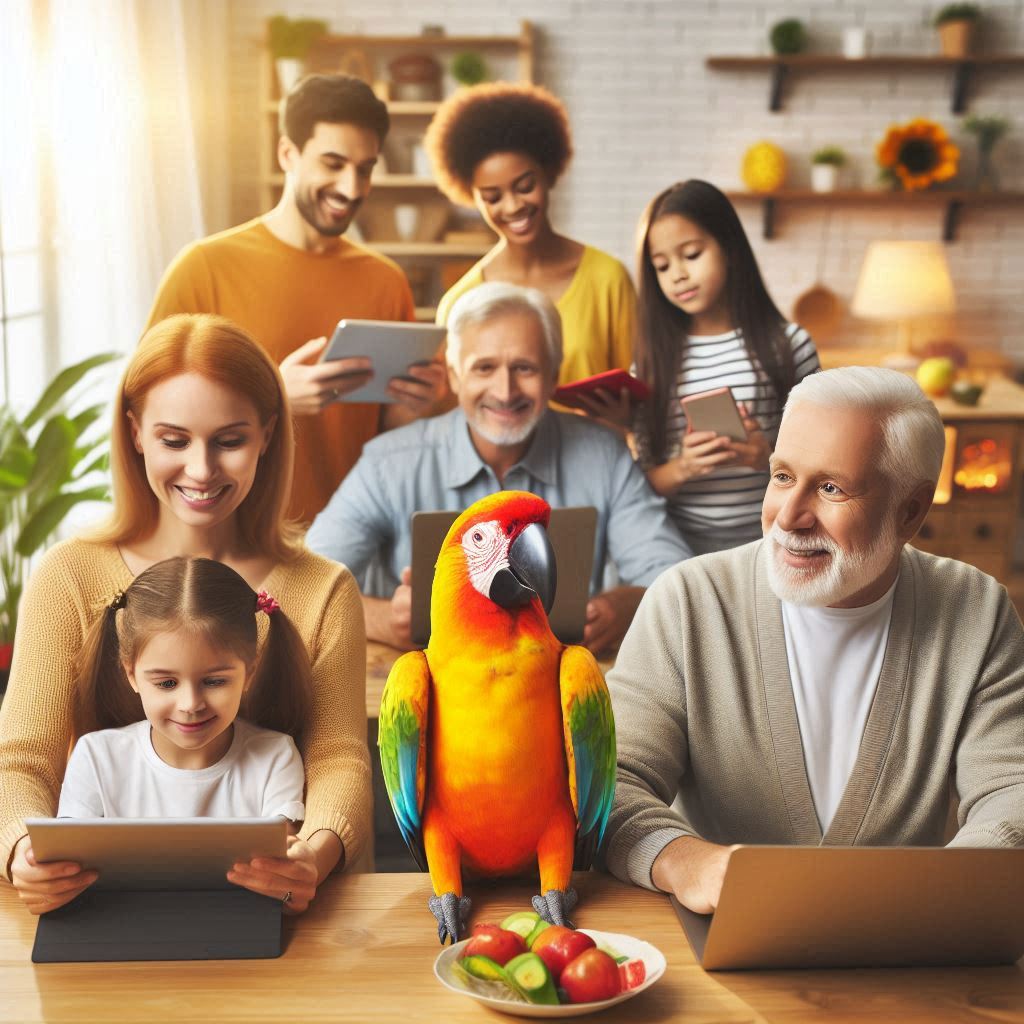
At EMail Parrot™, we believe your family’s privacy shouldn’t be negotiable. Today, let’s talk about why Virtual Private Email1 (VPE) isn’t just another tech buzzword - it’s the privacy layer your family actually needs, and it’s simpler than you think.
The Hidden Dangers Lurking in Your Family’s Inbox
Let’s start with a hard truth: Your email address is more valuable than you realize, and more vulnerable than you’d like. Unlike a credit card that can be canceled or a password that can be changed, your email address is permanent and everywhere. Once it’s out there, it’s out there forever.
For Your Kids: Every time you sign up for a school app, sports league, or online store, you’re potentially exposing your child’s personal information. Data brokers collect family connection data, and a single email address can reveal names, ages, schools, and addresses. Remember the 2023 breach of a popular kids’ learning app that exposed 7 million parent email addresses? Those families are still dealing with targeted scams.
For Elderly Parents: Seniors receive 3x more phishing emails than younger adults (FBI, 2024), partly because their email addresses have been circulating longer and appear in more databases. That “Medicare renewal” email or “Social Security verification” message? Often sophisticated scams targeting their generation specifically.
For You: Your personal email connects every account you own - from banking to healthcare to your employer. One compromised email address means attackers can attempt password resets across dozens of services simultaneously. It’s not paranoia; it’s the reality of our interconnected digital lives.
Traditional email services try to filter spam and block threats, but they’re hamstrung by their business model: Big email companies need your data for ad targeting, which means privacy takes a back seat. And telling your family to “just be careful” isn’t a solution - it’s victim-blaming wrapped in false reassurance.
Why “Just Using Gmail” Isn’t Protecting Your Family
Gmail, YahooMail etc. are convenient, ubiquitous, and free - all excellent reasons millions of families use it. But “free” comes with hidden costs, and for family privacy, those costs are substantial:
The Tracking Trade-Off: Google’s spam filter is good because Google knows everything about you. They scan your emails, track your shopping, and build comprehensive profiles. That promotional email from Target isn’t just selling you socks - it’s feeding data back to Google about your purchasing habits, family size, and income level.
The Plus Address Problem: Gmail’s built-in alias feature (yourname+alias@gmail.com) seems like a privacy solution until you realize two things: First, removing the “+alias” part reveals your real address instantly. Second, sophisticated spammers strip plus addresses automatically. It’s privacy theater, not actual protection.
The Shared Account Nightmare: Some families try sharing one email account for household matters. The result? No accountability (“Who deleted that important school email?”), messy threading, and eventually someone gets locked out when someone else changes the password.
The Teaching Problem: Your kids watch how you handle email. If they see you clicking “unsubscribe” on 20 spam emails every morning, they learn that’s normal. They don’t learn real digital hygiene because we’ve normalized being email victims.
You deserve better. Your family deserves better. Let’s talk about what “better” actually looks like.
Enter VPE: Your Family’s Personal Email Bodyguard
Virtual Private Email from EMail Parrot™ works like this: Instead of scattering your real email address across the internet, you create unlimited protected aliases that route through security filters before reaching your actual inbox. Think of it as having a P.O. Box system for email - you control what gets delivered, can change addresses instantly, and your real location stays private.
The Key Difference: This isn’t just forwarding. Every email that touches a VPE address passes through multiple security layers - virus scanning, tracker removal, link verification, and spoofing detection - before reaching your family. And because we’re a privacy service, not an ad platform, protecting your data is our job, not our conflict of interest.
This approach costs just $5/month for a single list or $10/month for unlimited lists at your custom family domain - less than one fancy coffee per month to protect your family’s digital identity.
Real Families, Real Privacy: How VPE Works in Daily Life
Let’s ground this in reality with scenarios you’ll recognize:
The School Portal Problem
Your daughter’s school requires an email for the parent portal. You could give them your real address and add “school spam” to your morning routine, or you could create a VPE alias: school.family@emparrot.com
Now all school emails route through security filters. When she graduates and you don’t need that address anymore? Delete it in 30 seconds. The school can’t reach your real email, and you’ve closed that privacy door permanently.
The Win: Even better, if the school’s system gets breached (it happens more than you’d think), attackers get an address that only works with your VPE infrastructure. They can’t use it to phish you, can’t find your real email, and can’t pivot to other family members.
The Online Shopping Shield
You’re buying shoes online. The store asks for your email. You give them shoesrus.family@emparrot.com. Later, you create that alias in your VPE dashboard (takes 30 seconds). The store sends your receipt, shipping updates, and promotional emails - all filtered for trackers and spam.
Three months later, that address is getting spam from companies you never contacted. You know exactly what happened: Shoes R Us sold your email. Solution? Delete the alias. Spam stops instantly. Your real email was never exposed.
The Teaching Moment: Your kids see you solving the problem, not suffering through it. They learn: “We control our email addresses. We create them for specific purposes. We delete them when they’re compromised.” That’s real digital literacy.
The Elderly Parent Safety Net
Your 75-year-old father isn’t tech-savvy, and you worry about phishing scams. Set him up with a VPE address for his banking, healthcare, and essential services. Create a family sublist where you’re also a member, so you can monitor for suspicious emails without accessing his personal account.
When a scam email hits his address, VPE’s filters catch many of them automatically. For the sophisticated ones that get through, you see them too and can warn him before he clicks. It’s not surveillance - it’s a safety net for someone you love.
The Boundary: He maintains independence and privacy for his personal communications while you provide protection for the high-risk channels where scammers target seniors most aggressively.
The Utility Bill Organizer
Your household has a dozen utility and service accounts - electric, gas, water, internet, insurance, phone. Create one VPE alias: bills.family@emparrot.com. Route all utility bills there. When you move, update the utility companies with your new VPE address, but your underlying email never changes.
The Family Benefit: Anyone in the household can access bill emails if needed. No one person “owns” the household accounts. When kids move out, they can stay on the sublist or be removed - but they can’t take the contact list with them because they never saw the real addresses.
Three Layers of Privacy: The VPE Approach to Family Security
EMail Parrot™ gives your family three distinct privacy tiers for different contexts:
Tier 1 - Personal Email: Your real address, reserved for people who already know you - close friends, family members, your employer. This is your identity layer.
Tier 2 - Personal VPE Aliases: Unlimited addresses for everything else - shopping, subscriptions, online accounts, school, utilities. Each alias is isolated, disposable, and security-filtered. This is your transactional layer.
Tier 3 - Family Group with VPE: A shared group for household communications, family coordination, or shared accounts. Members use pseudonyms with each other (if desired) and VPE addressing for external contacts. This is your collaboration layer.
Most families start with Tier 2 for personal protection, then add Tier 3 when they realize the power of collaborative email that doesn’t expose personal addresses.
Why This Matters More Than You Think
Identity Theft Starts with Email: 64% of identity theft cases involve email compromise (Javelin, 2024). Once someone controls your email, they can reset passwords, verify identity with service providers, and impersonate you to your contacts. Every email address you give out is another potential entry point.
Your Kids Are Watching: Children and teens learn digital behavior from parents. When they see you taking control of email privacy, they internalize that privacy is normal and achievable, not a lost cause. That lesson matters more than any “internet safety talk.”
Data Breaches Are Inevitable: The question isn’t if your email appears in a breach database, but how many times. In 2024 alone, 15 major retailers and service providers exposed customer email addresses. With VPE, you can track exactly which company leaked which alias, delete it, and move on. Without it, you’re helpless.
Email Is Forever: Unlike a credit card you can cancel or a password you can change, email addresses are stubborn. Once they’re in spam databases, they stay there. VPE lets you retire compromised addresses while keeping your real email clean.
The Family Decision: Small Investment, Massive Peace of Mind
Let’s be honest about costs: VPE for personal/family use is $5-10/month. That’s less than Netflix, less than one pizza, less than your daily coffee. For that tiny investment, you get:
- Unlimited email aliases for every family member
- Protection against spam, viruses, dangerous links, and tracking
- The ability to delete compromised addresses instantly
- A teaching tool for real digital literacy
- No ads, no data mining, no conflict of interest
- A fortress for your family’s digital identity
Compare that to the alternative: hoping email filters catch everything, teaching your kids that email spam is just part of life, and crossing your fingers that your parents don’t fall for the next phishing scam.
Getting Started: Simpler Than You Think
Step 1: Sign Up - Create an account and your list (yourlist@emparrot.com) at emparrot.com. Takes 2 minutes. No credit card for the 30-day trial.
Note: We are initially reviewing VPE use cases for applicability. If you cannot enable VPE in the console contact us.
Step 2: Add Family Members - Enter email addresses for family members who want protection. Each person gets their own group internal address.
Step 3: Create Aliases - Need to sign up for something? Use store.yourlist@emparrot.com. Create the sublist (alias) “store” for all that should reveive email to this address. This can be done before or after giving out the address.
Step 4: Watch It Work - See filtered emails arrive in your inbox, tracker-free and spam-reduced. Check your VPE dashboard to see what was blocked.
Step 5: Delete When Needed - Address getting spammed? Delete it. Create a new one for the legitimate sender if needed. You control your inbox.
Important: Without VPE when you email someone they have your email address - your real email address & forever. To prevent this you need to send your outgoing emails through EMail Parrot™. This is done by combining their email address with your list’s email address. Don’t worry, we’ve made this easy just use our free External Email Virtualizer tool to convert any external address to VPE format instantly. Then save the person’s contact information with this “safe” email address.
When emails come in EMail Parrot™ will convert the sender’s (and all header addresses) to the safe address. You don’t need to worry about hitting reply and exposing your email address.
The Bottom Line: Your Family’s Privacy Is Worth $5/Month
Email should be a tool that serves you, not a daily battle against spam and scams. Your kids shouldn’t grow up thinking inbox chaos is normal. Your parents shouldn’t be vulnerable to phishing attacks. And you shouldn’t have to give your real email to every website and store.
VPE is the email privacy solution that actually works for families - no apps to install, no complicated encryption keys, no switching email providers. Just clean, secure, private email that works with your existing inbox.
Ready to take back control? Start your 30-day free trial today and discover what email should have been all along.
What’s your family’s biggest email frustration? Drop us a line - we’re here to help you protect what matters most.
🔗 Learn more: EMail Parrot™
The underlying bidirectional anonymous external email communication system is patent pending in the United States (Application No. 19/377,461). ↩︎